
Container — Terminate User
Select and terminate a Microsoft 365 user account, disabling access and revoking active sign-ins.
This container lets you select and terminate a Microsoft 365 user account. Terminating a user disables access and revokes all active sign-ins, helping maintain security and compliance when a user leaves the organisation or no longer requires access.
When selected, the following screen opens:
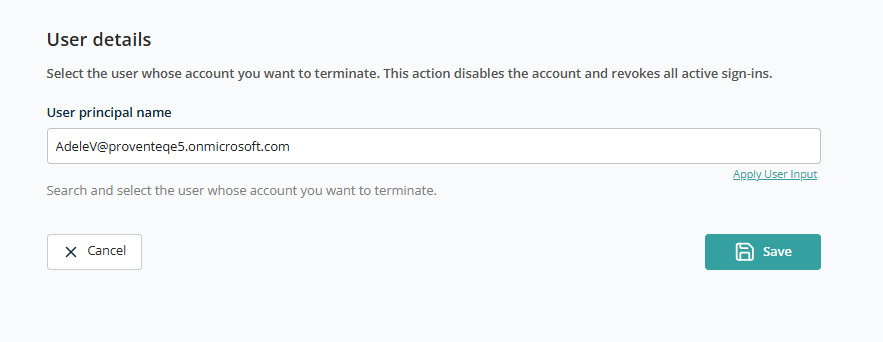
User Selection
- User Principal Name — Search for an existing user (by name or email) to terminate.
Use the Apply User Input feature to configure this field so the template can be reused across multiple requests.
After selecting the user, click Save to add this container to the template. Click Cancel to discard.